SplitMate, a travel money app for groups
- Role
Solo developer — product, app and site
- Type
Mobile app, iOS and Android
- Price
Free — no ads, no premium tier
- Landing page
splitmate.live
Overview
SplitMate tracks the money inside a group. People enter an expense, say who paid and who shared it, and the app works out what everyone owes. It covers the awkward part of a trip or a shared flat: nobody wants to be the person doing sums in a notes app at the end of the month.
It grew well past that. SplitMate is a free iOS and Android app for people travelling together: expenses and balances, yes, but also the trip itinerary, a document vault and a camera that reads receipts. I built the product and the marketing site at splitmate.live — the landing page is plain HTML, CSS and JavaScript, no framework and no build step, so it loads fast and stays easy to edit.
- Equal, percentage or share-based splits, recalculated live
- Balances per person, and the fewest transfers that clear them
- 150+ currencies on live rates — pay in one, settle in another
- Receipts captured by camera; AI reads the amount, merchant and category
- Passports, visas and tickets in a vault locked behind Face ID
- Works offline and syncs when the signal comes back
Approach
The hard part of an expense splitter is not the arithmetic, it is the data model. An expense has one or more payers and a set of shares, and those shares are not always equal, so I modelled every expense as amounts paid and amounts owed that have to balance to zero. Everything else falls out of that: a per-person balance is the sum of their entries, and settling up means matching the people in credit against the people in debt in as few transfers as possible.
The interface stays deliberately short. Adding an expense is the action people repeat most, so it sits first on the screen and takes an amount, a payer and a split. Balances are always visible, because the question a group actually asks is “what do I owe right now”.
Two constraints shaped the rest. Travel means bad signal, so the app is offline-first: expenses and documents work with no connection and reconcile on reconnect. And travel means more than one currency, so amounts carry the currency they were paid in and convert on live rates, rather than being flattened on entry and losing the original figure.
Inside the app
Ten screens from the shipped build — the ones people actually spend their time in.
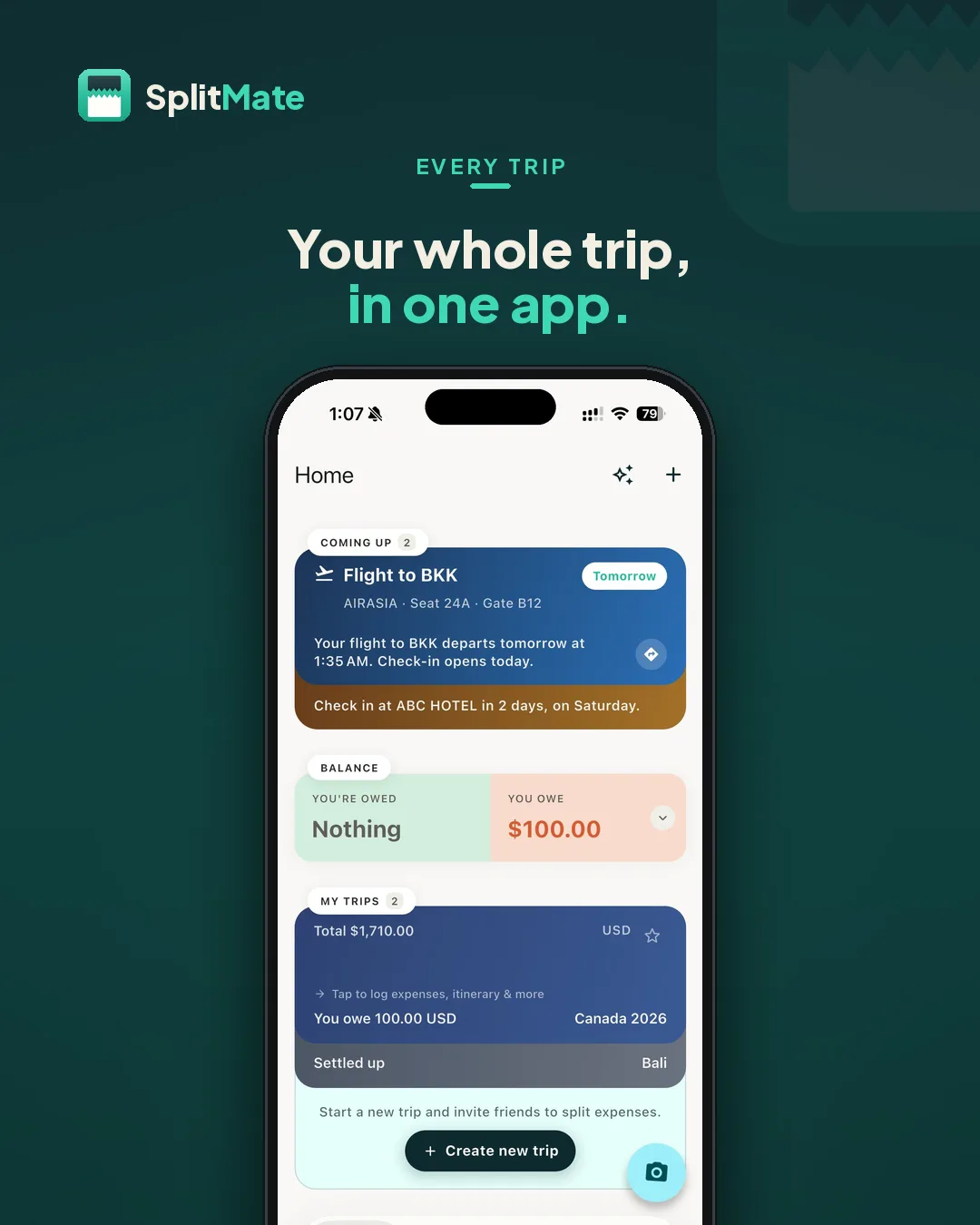
HomeUpcoming flights, what you owe and every trip on one screen. 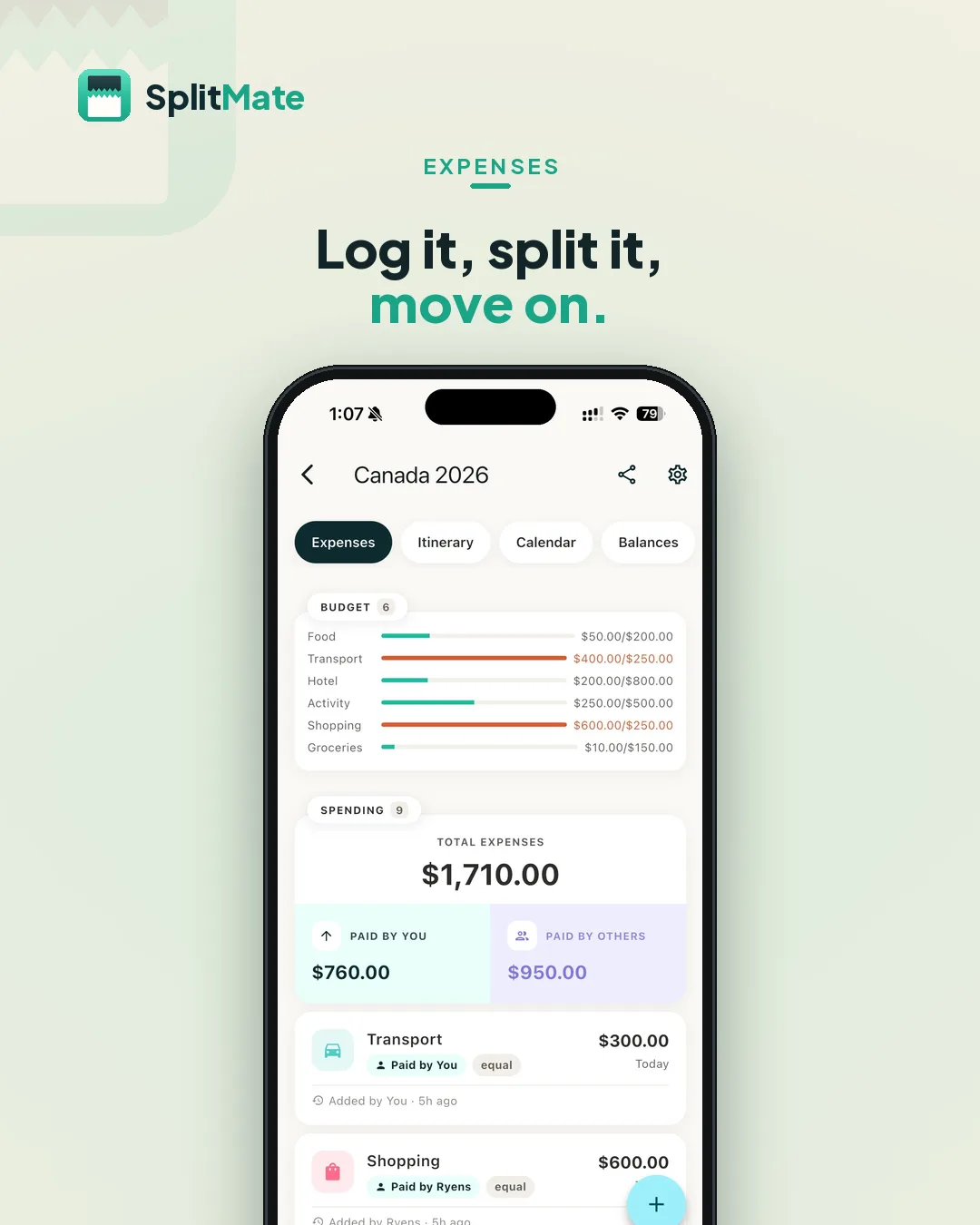
Add an expenseWho paid, how to split it, done — the running total updates itself. 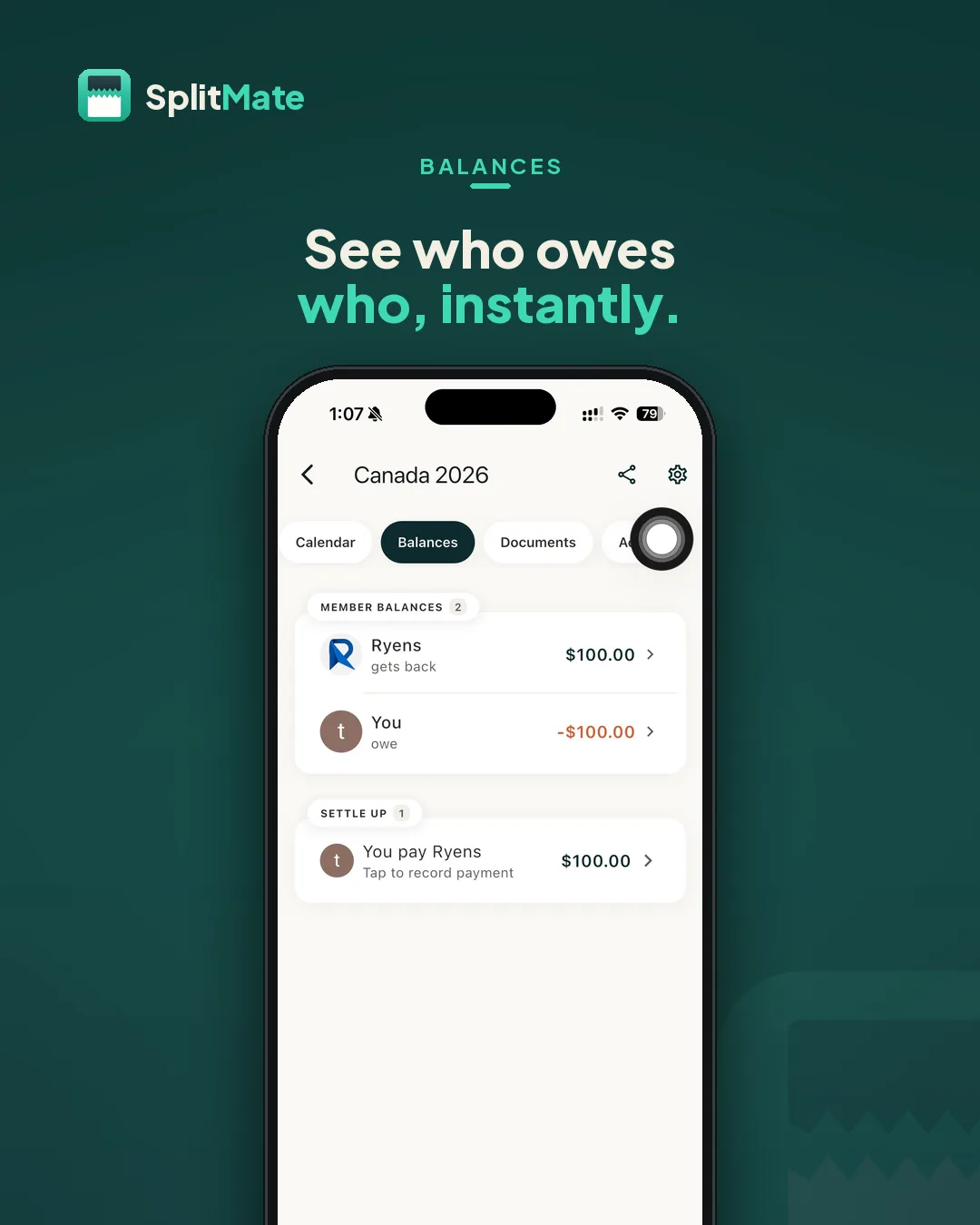
BalancesMember balances, and the shortest path to settling up. 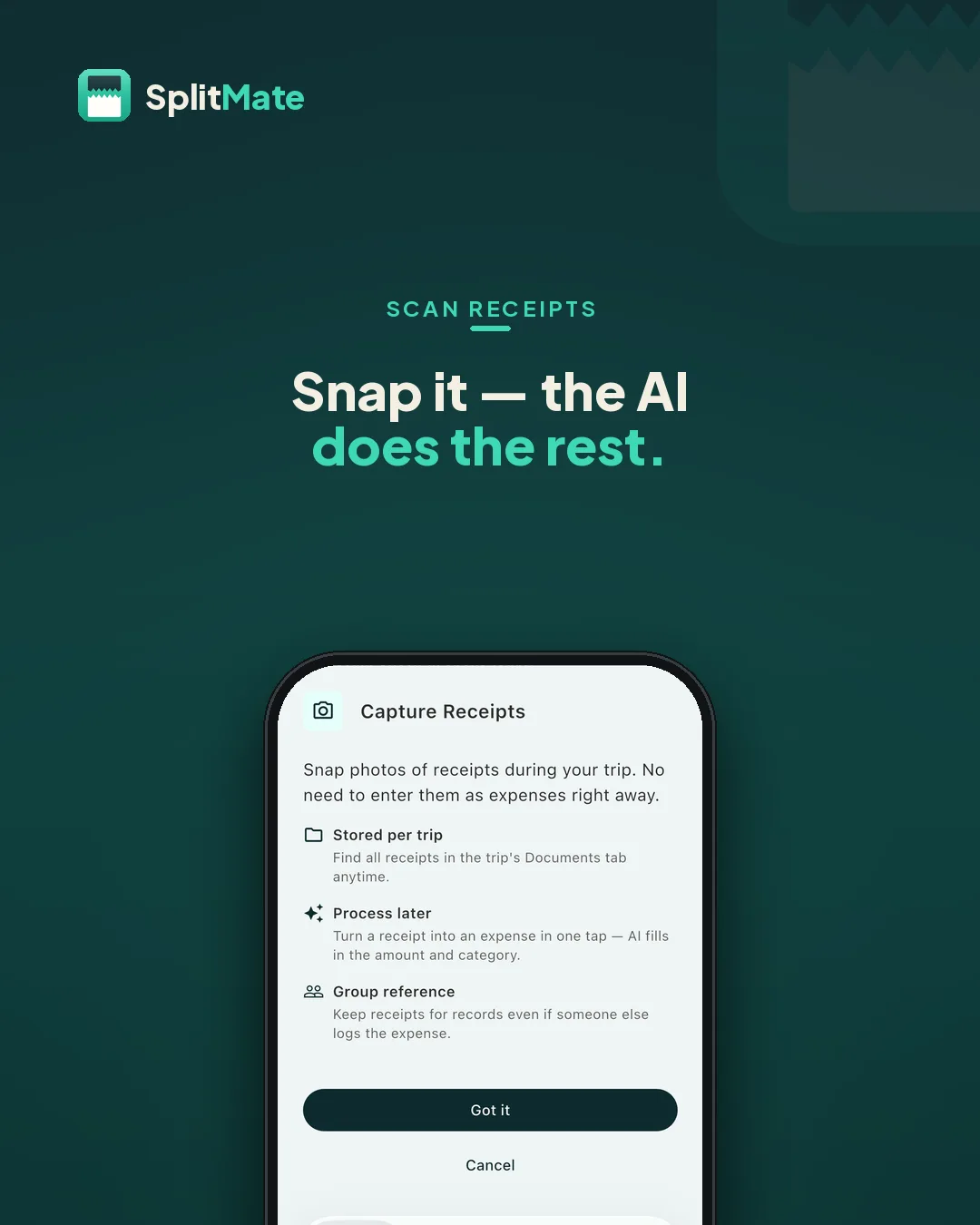
Receipt captureSnap the receipt now, turn it into an expense later in one tap. 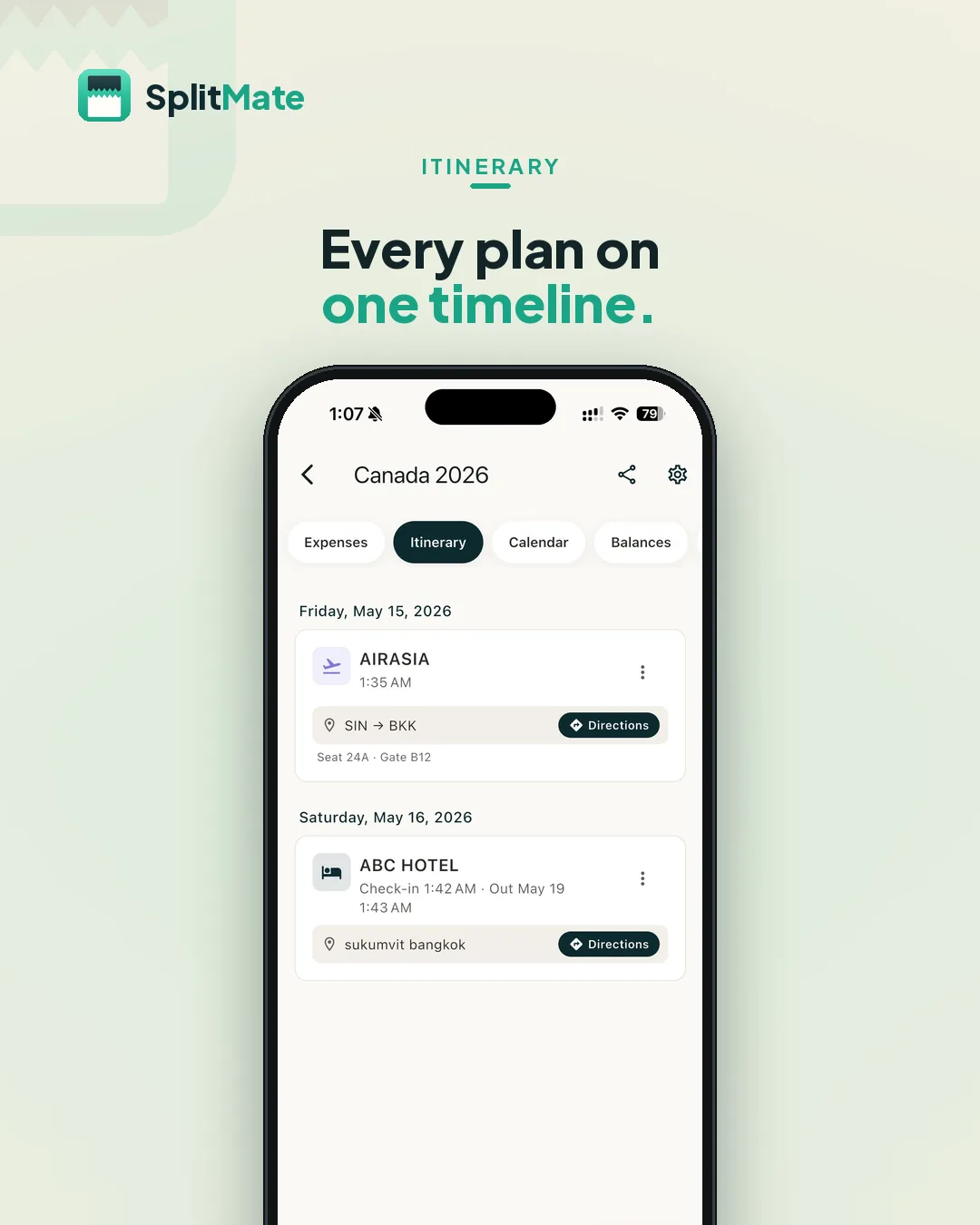
ItineraryFlights, hotels and activities in order, with live countdowns. 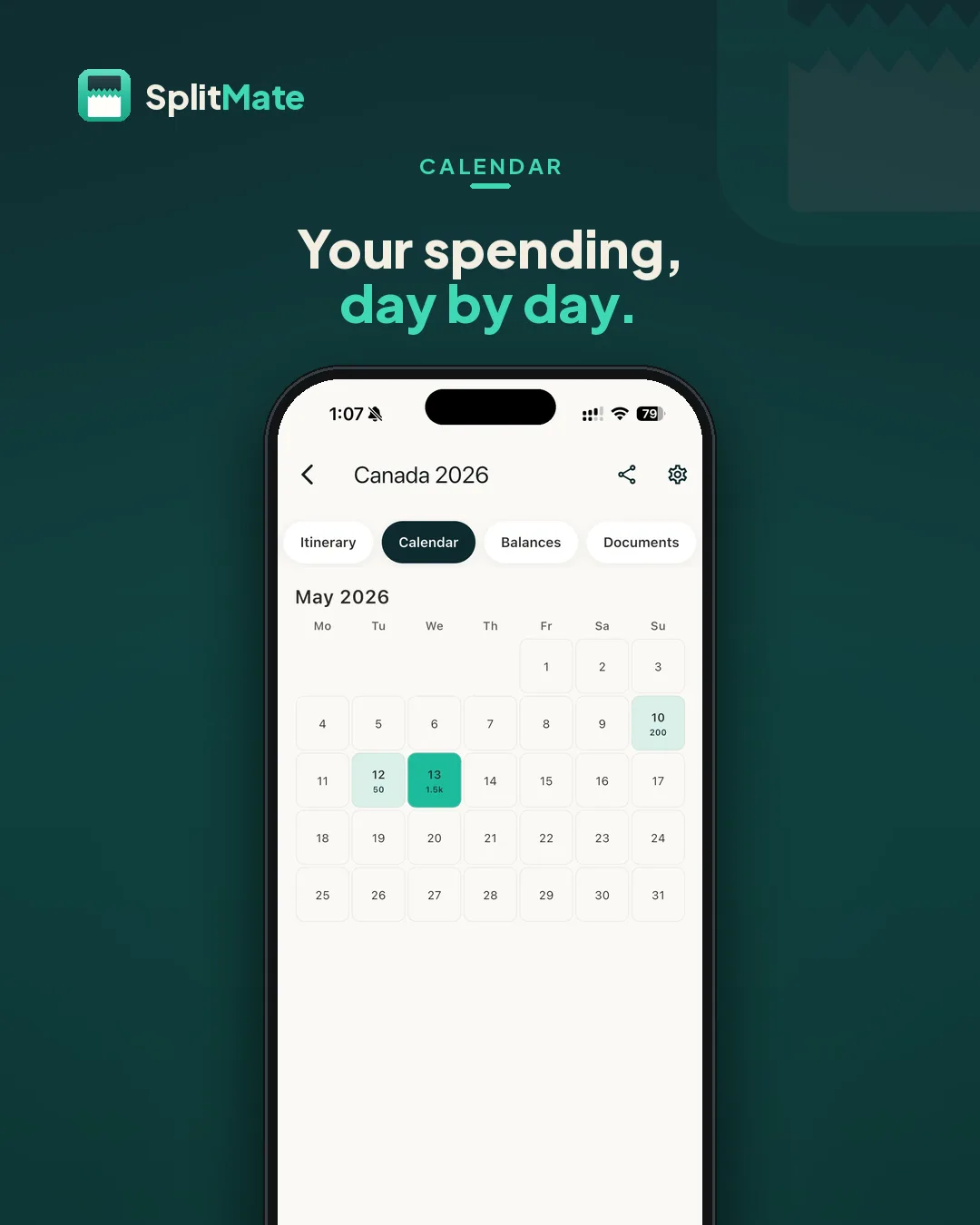
CalendarWhat the trip cost, day by day. 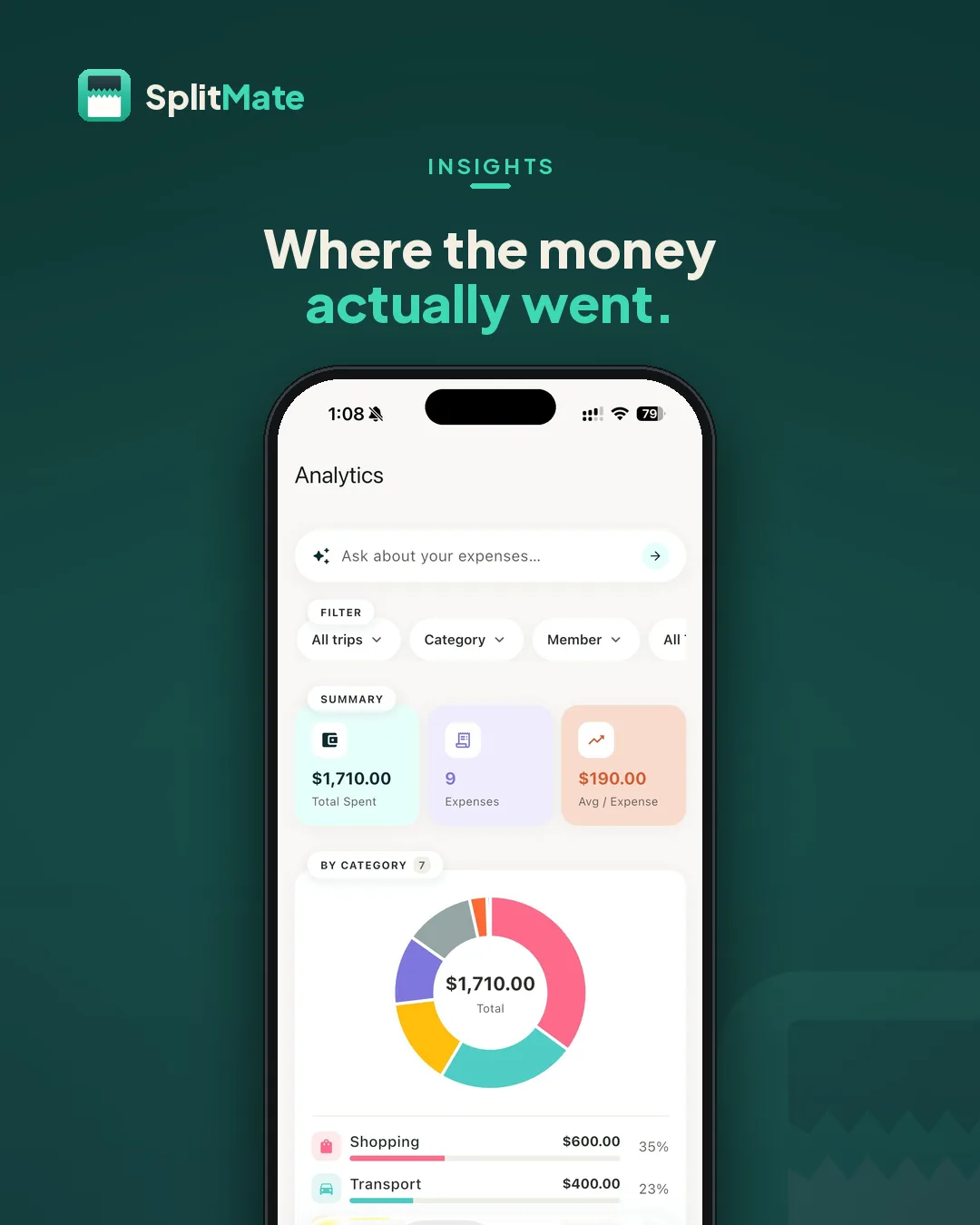
Trip summaryTotal spend, the biggest categories and who paid for what. 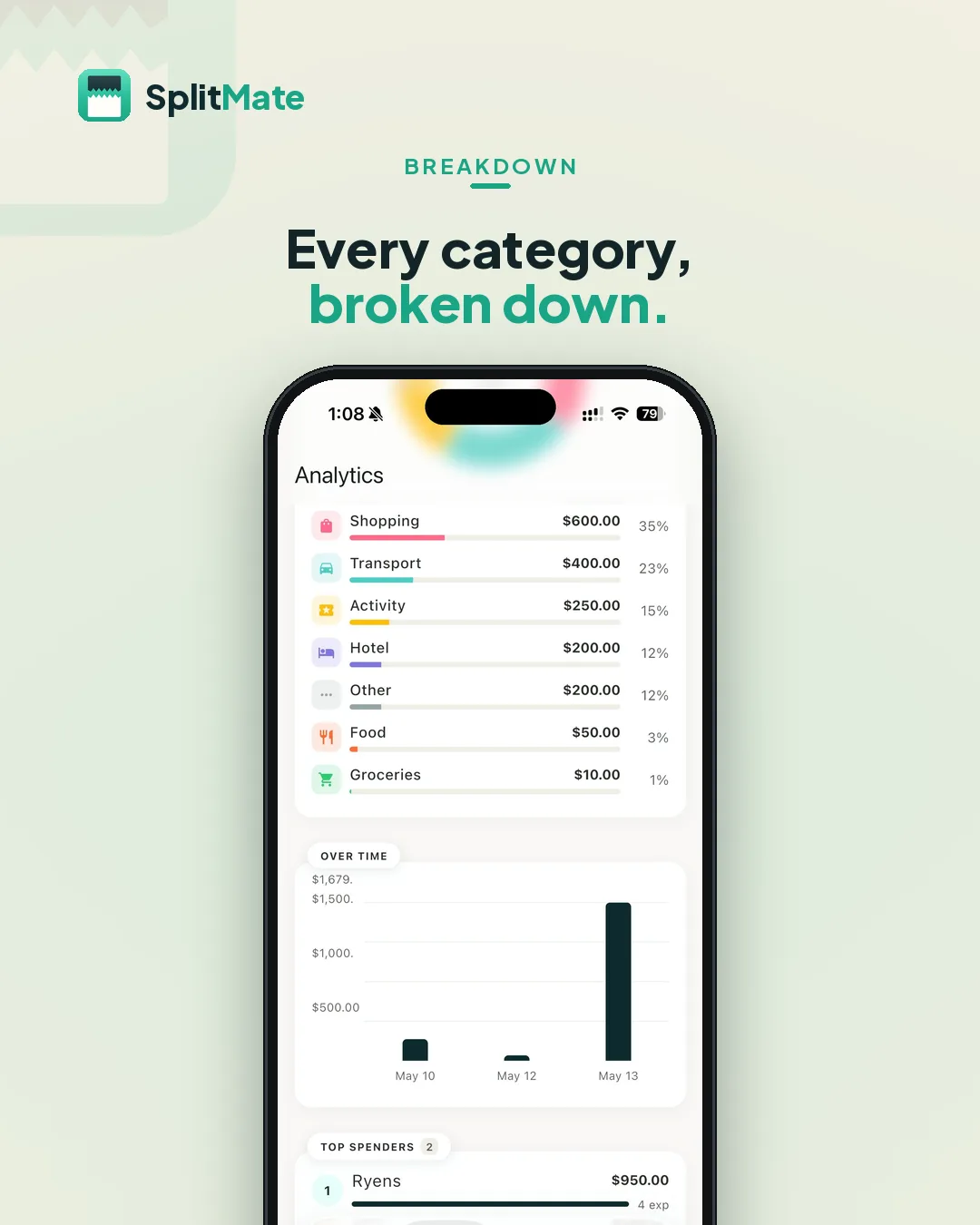
CategoriesFood, transport, stays and activities, broken out. 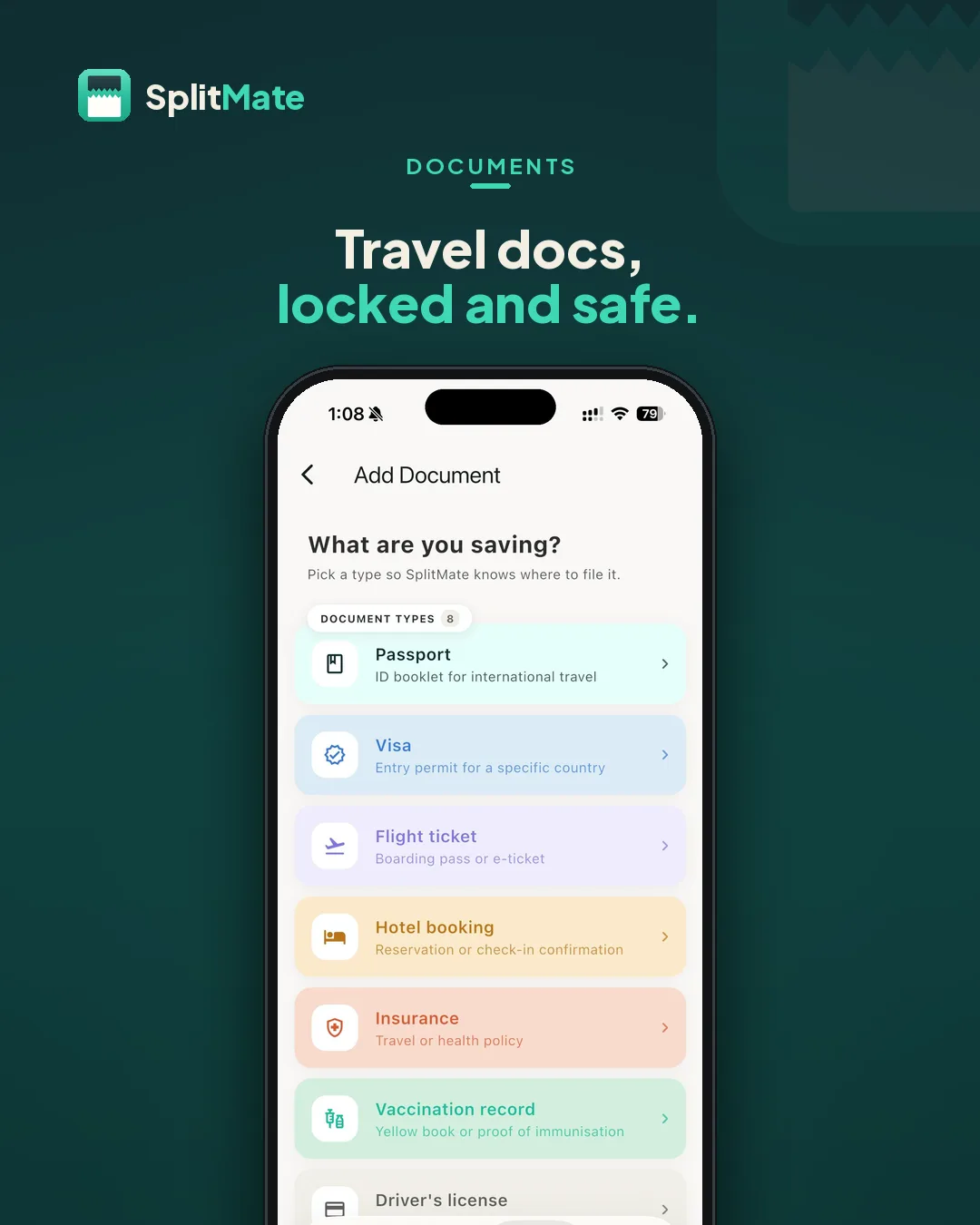
Document vaultPassports, visas and insurance, stored on-device behind Face ID. 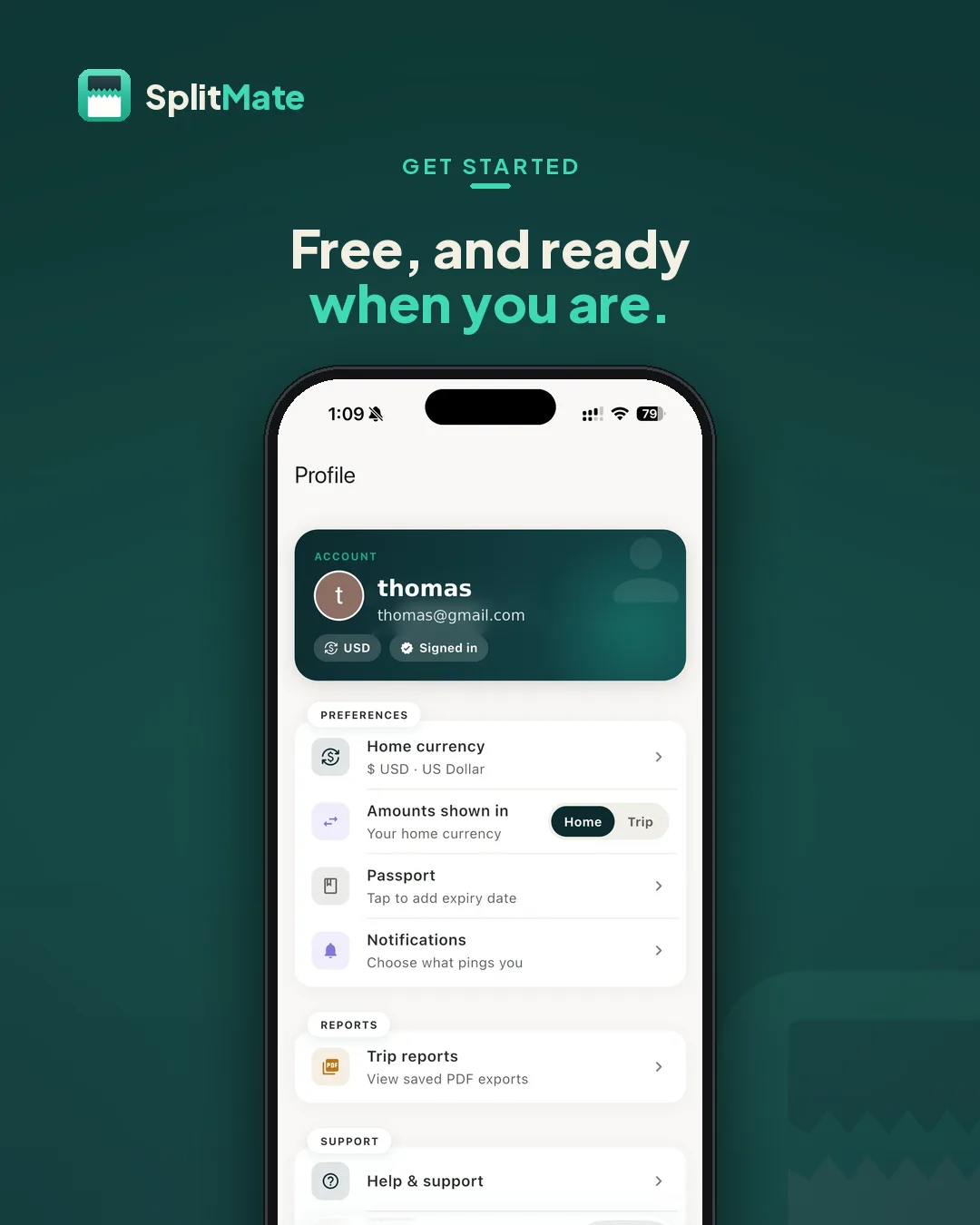
SetupProfile and home currency — the whole setup takes under a minute.
Outcome
SplitMate ships free on iOS and Android — every feature, no ads and no premium tier. A group can record what it spends, see who is up and who is down, and clear the balance in a handful of payments instead of a dozen, while the passports and boarding passes sit in the same app rather than in someone’s inbox.
Working solo meant owning the data model, the interface, the marketing site and the app-store listings. The part I would keep from this build is the balance-to-zero rule: enforcing it at the data layer made whole categories of rounding and reconciliation bugs impossible later, which matters a great deal once several currencies are in play.
Related work

One of two prescription-lens builds for eyewear stores. This is the TypeScript one.