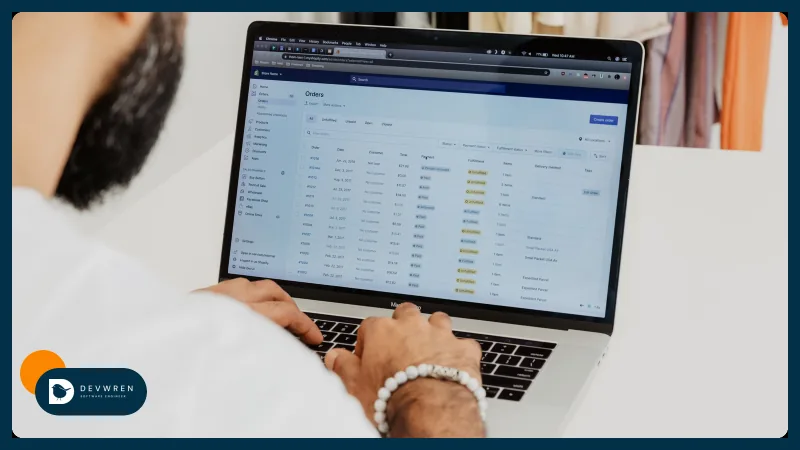
Shipping label automation: labels, carrier rules and tracking across Shopify, Amazon, Etsy and TikTok Shop
Shipping label automation for Shopify, Amazon, Etsy and TikTok Shop: platform labels, ShipStation, Veeqo, carrier rules, batch printing and tracking.
By Rokibul Hasan7 min read
- E-commerce
- Automation
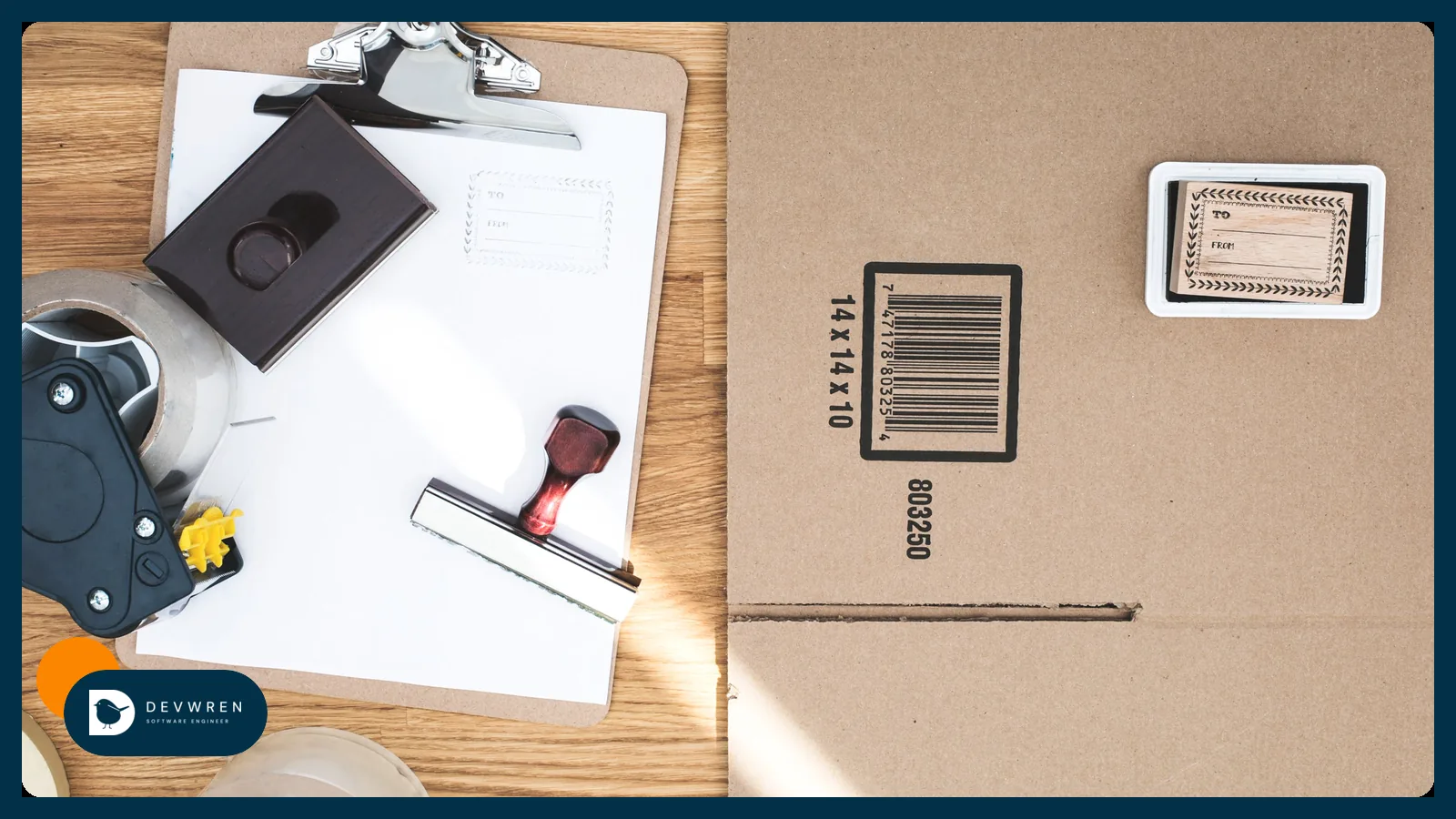
If you pack your own orders, labels eat the start of every day. Open each channel, pick a carrier, type weights, print, then copy tracking numbers back so customers and marketplaces can see the parcel moving. Miss one and Amazon counts it against you; type one wrong and a customer emails asking where their order is.
Shipping label automation removes most of that. Orders from every channel land in one place, rules choose the carrier and service, labels print in a batch, and tracking goes back to each channel without anyone copying it. This guide is for sellers who ship their own orders from Shopify, Amazon, Etsy or TikTok Shop, or a mix, and want to know what each platform offers, what shipping software adds, and when custom work is worth it.
If your stock sits in Amazon's warehouses, Amazon packs and labels for you; that case is covered in order fulfilment with Amazon MCF. This post is about the parcels you pack yourself.
What shipping label automation does
A label flow has five steps, and each one can be automated:
- Collect orders from every channel into one list.
- Choose the carrier, service and package with rules: weight, destination, value, channel.
- Buy the label at your negotiated or platform rate.
- Print in batches, with packing slips in the same order.
- Send tracking back to the channel the order came from, which notifies the customer.
Step 5 is the one that costs money when it fails. Amazon's staff give the targets as a valid tracking rate above 95% (Amazon Seller Forums) and a late shipment rate under 4%, and TikTok Shop auto-cancels US orders without tracking after a deadline. A label printed on time but uploaded late still looks late.
Buying labels inside each channel
Each platform sells labels for its own orders, and for a single channel that may be all you need.
Shopify Shipping. You buy and print discounted labels in the Shopify admin, from carriers that depend on your country: USPS, UPS, FedEx and DHL in the US; Canada Post, Purolator and UPS in Canada; Royal Mail, Evri, DPD and InPost in the UK; Australia Post in Australia; plus several European countries. You can buy and print up to 250 labels at once from the Orders page, and print packing slips in bulk (Shopify Help Center).
Amazon Buy Shipping. For seller-fulfilled orders, Buy Shipping offers UPS, Amazon Shipping, FedEx, USPS and others, up to 100 labels at once. Its main benefit is protection: Amazon covers A-to-z claims for packages that don't arrive, provided you ship on time and answer buyer messages within 48 hours. Under rules Amazon updated in February 2026, protecting your on-time delivery rate also requires shipping settings automation, automated handling time, and labels bought through Buy Shipping or Veeqo (Amazon Seller Forums).
Etsy. Etsy sells labels from carriers including USPS, UPS, FedEx, Canada Post, Evri and Royal Mail, depending on where you are, and marks the order as shipped when you buy one.
TikTok Shop. Orders ship either with TikTok's own logistics, where TikTok provides the label, or by the seller, who must upload valid tracking from an approved carrier. Which option you get depends on your region and account.
| Channel | Labels in the platform | Why you might buy there |
|---|---|---|
| Shopify | Shopify Shipping | Discounted rates, bulk up to 250 |
| Amazon | Buy Shipping | A-to-z and delivery-rate protection |
| Etsy | Etsy labels | Order marked shipped automatically |
| TikTok Shop | TikTok logistics, where offered | Label and tracking handled by TikTok |
The catch is obvious once you sell on three channels: three places to print, three batches, three carrier accounts.
Multichannel shipping software: ShipStation and Veeqo
Shipping software pulls orders from every channel into one queue, buys labels from many carriers, and pushes tracking back.
ShipStation connects to Shopify, Amazon, Etsy, eBay, Walmart, TikTok Shop and many more. Its automation rules act on order details such as destination, order value, item, tag or sales channel, and it prints labels in batches and shares tracking with the sales channel. It is a paid subscription.
Veeqo, owned by Amazon since 2021, offers its shipping features free and makes a commission on labels. It connects Amazon, Shopify, Etsy, eBay, TikTok Shop, Walmart and others, and it marks which shipping options protect you against A-to-z claims and protect your on-time delivery rate. For sellers whose biggest channel is Amazon, that protection is the reason to look at it.
Both suit most small and mid-sized shops. Check one thing before you commit: whether the tool keeps Amazon's protections on Amazon orders, and whether it can post tracking to Etsy.
Shipping rules: carrier by weight, destination and value
Rules are where the time savings come from. Typical ones:
- Weight bands. For example: under 250 g, a letter or small parcel service; 250 g to 2 kg, standard parcel; above that, a courier.
- Destination. Domestic, neighbouring countries and the rest of the world, each with its own carrier and customs data.
- Order value. Signature or insurance above a set value.
- Channel. Amazon orders through Buy Shipping for protection; orders with a promised delivery date on a service fast enough to meet it.
- Product. Batteries, liquids or oversized items on the services that accept them.
- Package. Default box per product, so weights and dimensions don't need typing.
The rules only work if product weights are right. Spend an afternoon weighing your top sellers before you trust any rule; a wrong weight means a wrong rate or a surcharge later.
Batch printing and the packing bench
Batch printing is the visible win. A few habits make it reliable:
- Print at a fixed time, after the last order you promised to ship that day.
- Sort the batch by product or bin location, so picking follows the labels.
- Print the packing slip with the label, in the same order, so they can't get mixed up.
- Use a thermal label printer and 4 × 6 inch labels, a common shipping label size.
- Handle exceptions separately: address problems, out-of-stock items and split orders go to a short list instead of stopping the batch.
Pushing tracking back to every channel
When software buys the label, it usually handles this step. When you build your own flow, these are the APIs:
- Shopify.
fulfillmentCreatecloses a fulfilment order with tracking (carrier, number, URL) and can notify the customer;fulfillmentTrackingInfoUpdatecorrects it later. The older V2 versions are deprecated. - Amazon. If you buy the label through Buy Shipping or the Shipping API, Amazon already knows the tracking. Otherwise
confirmShipmentsends it, including several tracking numbers per order. For new label integrations, Amazon says to use Shipping API v2 rather than the older Merchant Fulfillment API; buy withgetRatesthenpurchaseShipment, because labels from its one-click option don't carry Buy Shipping protections. - Etsy. The Open API has no endpoint for buying labels, and the endpoint that adds tracking to an order is limited to apps Etsy has approved for it (Etsy). Check your tool has that approval, or buy Etsy labels inside Etsy.
- TikTok Shop. Seller-shipped orders need tracking uploaded through Seller Center or the Open API before the deadline.
Add a daily check: every order shipped more than a day ago with no tracking on its channel goes on a list. It catches the failures a silent retry misses.
When custom shipping automation makes sense, and what it costs
For most sellers who pack their own orders, shipping software is all the shipping label automation they need. Custom work earns its place when the rules outgrow the software: a warehouse system or 3PL that needs orders in a particular format, products whose box depends on the order, routing between your own stock and Amazon MCF, or one dashboard showing every order's label, tracking and delivery status across channels.
That is integration work on each platform's official API, and the kind of automation my marketplace plans cover. Connecting one marketplace with one automation, such as pushing tracking from your warehouse system back to Amazon, starts from $2,500 on the MVP plan. Two or more channels with orders and stock kept in sync, plus a dashboard, start from $5,500 on the Flexible plan. Both are starting prices, with a fixed quote after a short brief: see the Marketplace & e-commerce apps plans. The e-commerce automation guide helps decide whether labels are your first job to automate, and parcels that come back are covered in ecommerce returns automation.
FAQ
Can I print Shopify, Amazon and Etsy labels in one batch?
Yes, with multichannel shipping software such as ShipStation or Veeqo, which pull orders from all three into one queue and print labels for them together. Inside the platforms themselves you can't: Shopify Shipping, Amazon Buy Shipping and Etsy labels each cover only their own orders. Check that your tool posts tracking back to every channel, especially Etsy, which limits its tracking endpoint to approved apps.
Do I lose Amazon's claim protection if I buy labels elsewhere?
You can. Amazon's A-to-z claim protection and on-time delivery protection depend on buying the label through Amazon Buy Shipping, or through Veeqo, and on shipping on time and answering buyers within 48 hours. Labels bought from a carrier directly or through other software may not qualify, and through Amazon's Shipping API only labels bought with its rates-then-purchase flow keep the protection. Check the current rules in Seller Central before switching.
What happens if tracking reaches the marketplace late?
The marketplace treats the order as shipped late, even if the parcel left on time. Amazon measures late shipment and valid tracking rates for seller-fulfilled orders and can take action on accounts that miss its targets. TikTok Shop auto-cancels US orders that have no tracking after its deadline. Automate the upload, and run a daily check for shipped orders that still show no tracking on their channel.
If labels and tracking still take the first hour of your day, send me a short brief: which channels you sell on, how many orders a day, which carriers and software you use now, and where it goes wrong. You can start a marketplace MVP enquiry, see e-commerce automation, or read about connecting Shopify and TikTok Shop.