AI inventory forecasting for Amazon FBA and Shopify: fewer stockouts, fewer storage fees
Inventory forecasting for Amazon FBA and Shopify: what Amazon's Restock tool does, why simple forecasts win for small stores, and when AI is worth it.
By Rokibul Hasan8 min read
- Amazon
- Inventory
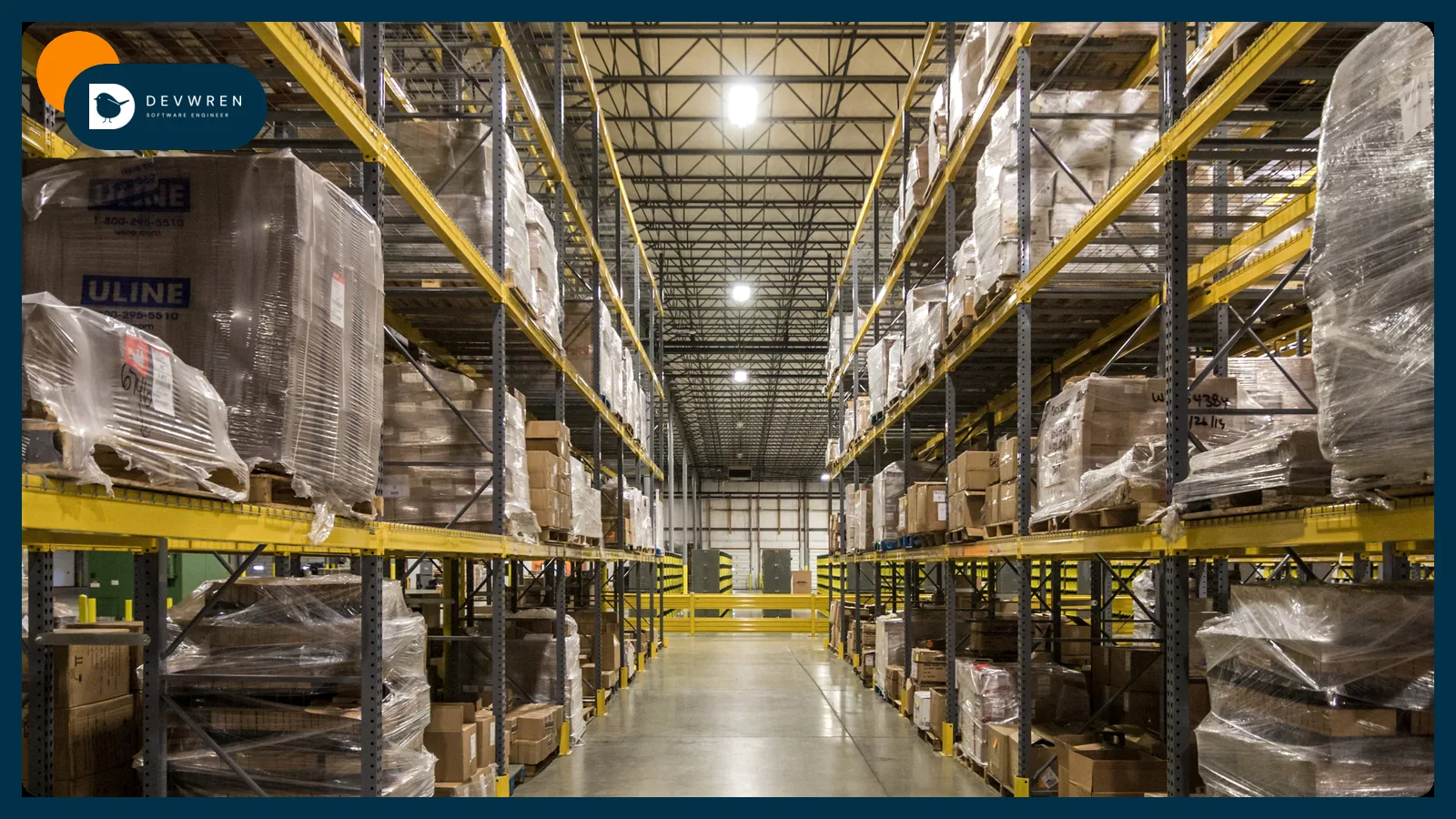
Every seller who uses FBA learns the same lesson twice. Run out of stock and you lose sales, momentum and sometimes your ranking. Send in too much and you pay to store it, then pay more as it ages. Inventory forecasting is the work of deciding how much to order and when, so you land between those two mistakes more often.
Amazon and Shopify now both offer forecasts of their own, and a wave of AI forecasting apps promises to do better. This guide is for sellers with stock in FBA who also sell on Shopify or TikTok Shop, and who want to know what the free tools give them, what a sensible forecast looks like for a small catalogue, and when machine learning is worth paying for.
The short version: for most small stores, a simple forecast built from your own sales data across every channel, with honest lead times, beats a clever model fed half the picture.
What Amazon's Restock Inventory tool gives you
Amazon says it uses machine-learning models to make recommendations through features like the FBA Restock tool, and that its Inventory Performance dashboard "provides demand planning and forecasting to suggest recommended inventory levels and shipment timelines" (Amazon's inventory management guide). The same guide offers two rules of thumb: Amazon treats you as holding excess inventory above 90 days of supply, and suggests keeping about two months of supply available.
In September 2026 Amazon added always-on workflows to Seller Assistant that can check inventory thresholds and handle routine restocking, either surfacing recommendations or acting after the seller approves, with every action logged (Amazon's announcement).
Use these. They are free, and they see Amazon demand clearly. What they don't see:
- Your supplier. Production time, minimum order quantities, factory holidays and freight are yours to know.
- Your other channels. If Shopify or TikTok Shop orders ship from the same FBA stock through Multi-Channel Fulfillment, Amazon-only demand understates what you sell.
- Your plans. A launch, a promotion or a creator campaign next month is not in last month's data.
- Your cash. The right order for your warehouse might be the wrong one for your bank account.
Treat Amazon's recommendation as a strong second opinion, not the plan.
The costs on both sides: stockouts vs storage fees
A forecast is only useful if you know what each kind of error costs.
Running low. Beyond lost sales, Amazon charges a low-inventory-level fee on some FBA products. When it was introduced, an Amazon staff member explained in the Seller Forums that it applies to standard-size products whose historical days of supply is below 28 days on both a 30-day and a 90-day measure, with exemptions for new sellers and new products. Amazon has adjusted its fees since, so check the current fee page in Seller Central before you plan around the threshold.
Holding too much. FBA storage is charged monthly by the space your stock takes up, and Amazon adds a monthly aged-inventory charge for items stored more than 181 days (Amazon's FBA page). Amazon also limits how much stock you can send in.
So the target is a band (enough to cover demand until the next delivery arrives, not so much that it sits for months) and the band is different for every product.
Why simple inventory forecasting beats fancy models for small stores
Forecasters have a habit worth copying: before trusting any method, compare it with a simple one. Rob Hyndman and George Athanasopoulos's textbook Forecasting: Principles and Practice describes some simple methods as "extremely simple and surprisingly effective", and uses four as benchmarks: the average, the last value, the value from the same season last year, and a straight-line drift.
The M5 competition shows the other side. Teams forecast 42,840 Walmart sales series, and machine-learning methods won clearly. But in the organisers' published results, only 7.5% of teams beat the best benchmark, an exponential smoothing method, and the winners relied on learning across thousands of related, aligned series.
A store with 80 SKUs and two years of history is not that data set. Small catalogues have their own problems:
- Sparse sales. Many SKUs sell a few units a week, with zero days in between.
- Hidden demand. Days when a product was out of stock show zero sales, not zero demand. Leave them out of the average, or the forecast learns to under-order.
- Few seasons. One or two years of history means one or two examples of each December.
For most stores, a recent average of daily sales (excluding out-of-stock days), adjusted for last year's seasonal pattern and checked against known events, is a strong place to start.
Lead times, seasonality and reorder points
The forecast says how fast you sell. The reorder point says when to act:
Reorder point = expected sales during the lead time + safety stock.
Lead time is the full journey: production, freight, customs, any prep, and FBA receiving. Record the actual time for every purchase order rather than using the supplier's quote, because the spread matters as much as the average. Safety stock covers the variation in both sales and lead time.
As an illustration: a SKU selling about 10 units a day with a 60-day total lead time needs about 600 units on order or in transit when you reorder, plus safety stock. If those 60 days sometimes stretch to 80, you need more buffer than if they never move.
Seasonality changes the expected-sales part. Amazon's guide suggests reviewing past order quantities, especially from previous years, to plan for seasonal demand, and talking to suppliers early about expected increases. For Q4 or Prime Day, the reorder decision happens months before the sales do, so the forecast for those weeks has to come from last year's same weeks, not last month.
Building a forecast from your own sales data across channels
This is where a small custom tool earns its keep, and most of the plumbing is the same work as automating Seller Central inventory and reports. The pieces:
- One SKU map. The same product may have different SKUs on Amazon, Shopify and TikTok Shop. Bundles and multipacks are broken down into their components.
- Daily sales per SKU per channel. Amazon orders and FBA inventory come through the Selling Partner API, Shopify orders through its Admin API, and TikTok Shop orders through its Open API. Shopify's own reports, such as "Inventory sold daily by product" and "Inventory remaining per product", are handy for checking the numbers.
- Stock history. Mark the days each SKU was out of stock in each location.
- A method per product class. Fast sellers get a seasonal average; slow, sparse sellers get a longer window and a simple reorder rule.
- Output you act on. A weekly reorder list, with quantity, date and reason, sent to email, Slack or WhatsApp, plus an alert when a SKU will cross its reorder point before the next scheduled check.
- A scorecard. Each month, compare the forecast with actual sales and with the simple benchmark. Keep whichever is more accurate on your numbers.
An AI model can sit on top of this, summarising the list, explaining why a quantity changed or drafting the purchase order, while the arithmetic stays in plain code you can check. It is the same pattern I describe in integrating AI into your app.
When AI demand forecasting actually helps
Machine learning starts to pay when you have:
- hundreds or thousands of SKUs that behave in related ways, so a model can learn across them;
- several years of clean history, with stockout days marked;
- drivers that matter and are recorded, such as price changes, promotions and ad spend;
- someone to maintain the model when it drifts.
Several AI forecasting apps for Shopify launched during 2026. Test any of them the same way: run it on your own past data and see whether it beats a seasonal average. If it doesn't, the subscription buys you a dashboard, not accuracy.
Advertising is one driver worth connecting. A product about to run short shouldn't get more ad spend, which is one of the rules I cover in Amazon PPC automation.
Build, buy or use the free tools
Start with the free tools: Amazon's restock recommendations, Shopify's inventory reports and a spreadsheet you update weekly. Buy a forecasting app when you want a ready-made interface and your setup is close to what it expects. Build custom when stock serves several channels from shared pools, when bundles and multiple warehouses make an app's maths unreliable, or when you want alerts in the tools your team already uses.
My Marketplace & e-commerce apps plans start from $2,500 for one marketplace and one automation, such as a weekly restock report from Amazon data. Flexible starts from $5,500 for two or more channels with stock and orders kept in sync and a dashboard, which is where a cross-channel forecast belongs. Advanced starts from $9,500. Those are starting points; the actual price is a fixed quote agreed after a short brief, before any work starts. The e-commerce automation guide helps you decide whether forecasting is the right thing to tackle first.
FAQ
Should I follow Amazon's restock recommendations?
Use them as a second opinion. Amazon's Restock Inventory recommendations draw on Amazon's sales data and its own forecasting, so they see Amazon demand well. They don't know your supplier's real lead time, minimum order quantities, cash position, planned promotions or sales on other channels that share the same FBA stock. Compare them with your own forecast each week and look into any product where the two disagree widely.
How much sales history do I need for inventory forecasting?
At least a full year if you want to see seasonality, because a forecast can't learn December from three months of spring sales. With less history, use a recent average of daily sales, excluding days when the item was out of stock, and adjust by hand for events you know are coming. As the history grows, add seasonal adjustments and test whether they actually improve accuracy.
Can AI forecast demand for a brand-new product?
Not from data it doesn't have. For a new product, base the first order on a similar product's early sales, any pre-launch signals such as waitlist sign-ups, and how much you can afford to be wrong. Order a smaller first batch if the supplier allows it, watch daily sales closely, and switch to a normal forecast once a few weeks of real demand exist.
If you want a forecast that sees every channel, send me a short brief: where you sell, roughly how many SKUs you carry, where stock sits (FBA, your own warehouse, a 3PL), your typical supplier lead times and how you decide reorders today. You can start a Flexible plan enquiry, see my custom e-commerce automation work, or read about shipping other channels from FBA stock.