Etsy automation: what you can automate in an Etsy shop, and what you cannot
Etsy automation explained: Etsy's built-in tools, what the Open API v3 can automate, Seller App access, rate limits and webhooks, and what stays manual.
By Rokibul Hasan8 min read
- Etsy
- Automation

Most Etsy shops run on the same repetitive jobs: changing prices before a sale, keeping stock right across variations, copying orders into a spreadsheet, typing in tracking numbers. Etsy automation takes those jobs off your hands, either with Etsy's own tools or with a small app built on Etsy's Open API v3 that works with your shop directly.
This guide is for Etsy sellers who have outgrown doing everything by hand in Shop Manager, and for anyone wondering what a developer can actually build for an Etsy shop. Connecting Etsy with Amazon in both directions is part of the automation work I do, so this is a developer's view: what Etsy already automates, what the API allows, what it does not, and which rules you have to work within.
What Etsy already automates for you
Start with what costs nothing.
- Bulk editing. From the Listings page you can select several listings and change titles, tags, descriptions, prices, personalisation, production partners, renewal options, delivery profiles or sections in one go. You cannot bulk upload new listings; Etsy suggests copying an existing one instead (Etsy Help).
- AI title suggestions. In September 2025 Etsy added a tool on its Search Visibility dashboard that suggests search-friendly titles, lets you bulk edit titles and gives feedback as you type (Retail Dive). It rolled out gradually. Review each suggestion: rewriting the titles of your best sellers in one click is easy to do and hard to undo.
- A writing assistant that drafts replies to buyers, which the same report says Etsy had released to a small group of English-speaking sellers in the US, with wider access planned.
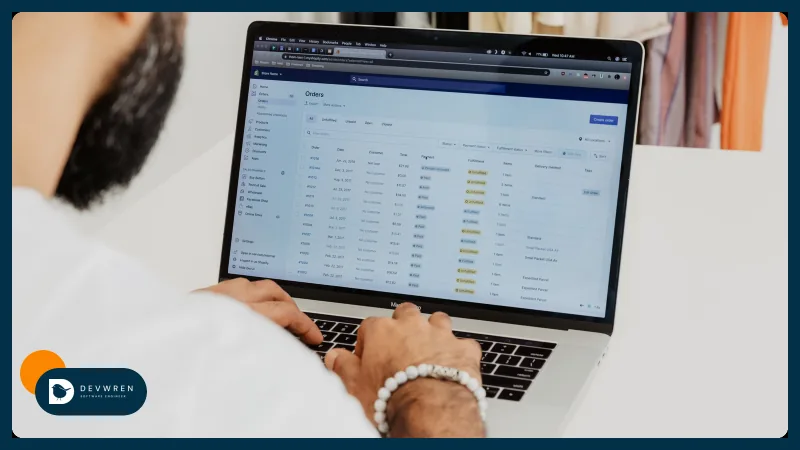
- CSV downloads of orders and active listings from Shop Manager, which many sellers paste into a spreadsheet or accounting tool by hand every month.
If one of these solves your problem, use it. Code earns its place when a job repeats every day, involves another system, or needs rules Etsy's screens do not have.
What the Etsy Open API v3 lets you automate
Etsy describes v3 as a REST API that supports "inventory, sales orders, and shop management" (Etsy developer docs). In practice, that covers most of the back office:
| Job | What an app can do | Permission (scope) |
|---|---|---|
| Listings | Create draft listings; update titles, descriptions, tags and prices; upload images, videos and digital files; add translations | listings_w |
| Stock and variations | Read and update a listing's inventory: each variation's quantity, price and SKU, and read many listings' inventory in one call | listings_r, listings_w |
| Orders | Read receipts (Etsy's word for orders) and the items in them, update a receipt, add tracking so Etsy notifies the buyer | transactions_r, transactions_w |
| Shop set-up | Manage shipping profiles, processing profiles, return policies, sections and holiday settings | shops_w |
| Money and feedback | Read payments, ledger entries and reviews | transactions_r |
Two details shape every build. First, inventory is written per listing, and each update must include every product in that listing, so a stock sync reads the current state, changes the quantity it means to change and sends the whole set back. Second, new listings start as drafts created one at a time, so a "bulk upload" is really your app creating drafts in a loop, checking them and then publishing.
What you cannot automate, or should not try
The API has clear gaps, and some shortcuts are off limits.
- Buyer messages. There are no endpoints for reading or sending conversations, so message automation stays inside Etsy's own tools.
- Etsy Ads. The API has no advertising endpoints either; ad budgets stay in Shop Manager.
- Reviews can be read, not answered.
- Scraping and browser bots. When Etsy reviews an app for commercial access, its checklist includes compliance with the API Terms of Use and a ban on screen-scraping. A browser extension that clicks through Shop Manager for you, or a script that logs in as you, sits outside the sanctioned route. If the API cannot do it, do it by hand.
- Changing what an item is. Automation that rewrites listings still has to respect Etsy's Creativity Standards about who made the item; I cover those in the Etsy and Amazon integration guide.
Seller App, Personal App or Commercial Access
Etsy now has three levels of API access:
- Seller App is for your own shop only. Etsy says eligible sellers are "approved within minutes, with no manual review queue". It cannot be used for other sellers' data.
- Personal App is for developers building beyond their own shop at limited scale, and goes through a deeper review.
- Commercial Access is requested on top of an approved Personal App, for apps that many sellers connect to. Etsy reviews it by hand.
For automating one shop, a Seller App is usually all you need. Register it under your own Etsy account, so the app and its keys stay with you if you ever change developers.
Etsy shop automation: rate limits, tokens and webhooks
These are the plumbing details that decide whether an automation runs quietly for years or breaks on a busy weekend.
- Rate limits apply per API key, per second and over a rolling 24 hours, and your current limits are shown in the developer portal. Go over and Etsy returns an error with a suggested wait time; a well-built app slows down and retries instead of failing. Etsy accepts requests for higher limits by email.
- Tokens. Etsy's OAuth access tokens last an hour and refresh tokens 90 days, so the app refreshes on its own and should alert you if a refresh ever fails, for example after you revoke access.
- Webhooks. Etsy can now push events instead of making your app ask: orders paid, cancelled, shipped and delivered; listings created, updated and deleted; inventory updated or out of stock. Failed deliveries are retried for many hours, and each message is signed so your app can check it really came from Etsy (Etsy webhooks). The guide mentions personal and commercial apps, so confirm your access level includes webhooks before relying on them.
Even with webhooks, keep a scheduled job that compares Etsy with your records and fixes anything missed. That is the same pattern I describe for stopping overselling across channels.
Automations worth building, in a sensible order
Each of these is a small, separate piece of work. Start with the one that costs you the most hours.
- Order export. Every paid order lands as a row in a sheet, your accounting tool or a fulfilment system, with one line per item. No more monthly CSV downloads.
- Tracking upload. Tracking numbers from your shipping tool or 3PL go back to Etsy automatically, and Etsy tells the buyer.
- Stock from one source. A spreadsheet, warehouse system or another sales channel sets quantities, and a listing drops to zero the moment its stock runs out.
- Bulk listing updates with an approval step. Price changes, seasonal tags or translations are prepared in a sheet, reviewed by you, then pushed. Keep a before-and-after log so any batch can be reversed.
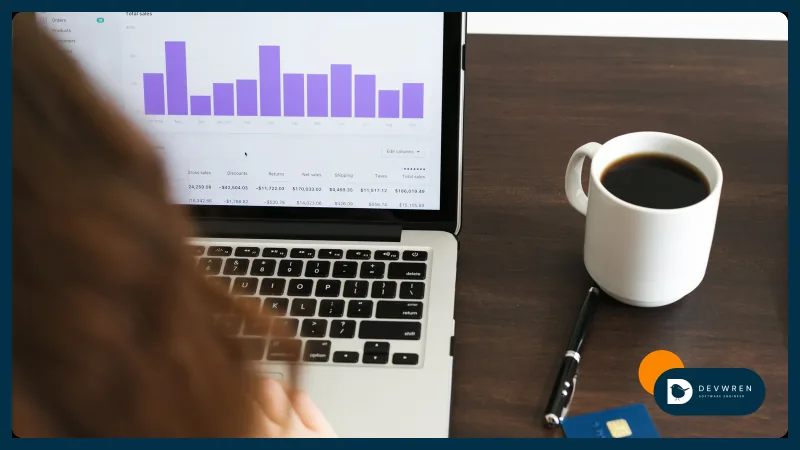
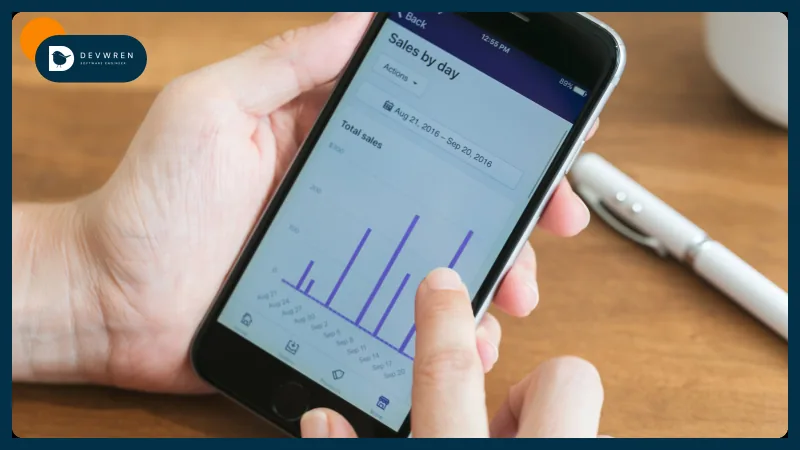
- Weekly reports. Sales by listing, fees and payouts from ledger entries, delivered to your inbox.
- AI-drafted listings that you approve before anything goes live. The workflow is in AI product listings for Amazon, Shopify and Etsy.
Changes on Etsy's side to plan for
Etsy's listing model is moving, and automations that are not maintained can break quietly.
- Processing profiles. Etsy has moved processing times from shipping profiles to processing profiles, so different variations in one listing can have different processing times. Physical listings created through the API need a processing profile, and once a listing has moved over it cannot switch back (Etsy migration guide).
- A third variation. Etsy gave developers early access to listings with three variations from 17 August 2026. Its docs warn that apps not updated may "incorrectly process listings with three variations and fail silently" (Etsy developer docs).
Whoever builds your automation should watch Etsy's developer announcements and try changes on a few listings before running them across the shop.
What Etsy automation costs: built-in, apps or custom
Etsy's own tools are free. Third-party apps and no-code platforms charge a subscription and handle common jobs well, especially if your setup is simple; Zapier vs Make vs n8n for ecommerce compares them. Custom code costs more up front, fits your rules exactly and is yours to keep.
For custom work, one automation on Etsy through its official API, such as order export, bulk listing updates or a weekly report, fits my MVP plan for marketplace and ecommerce apps, from $2,500. Etsy plus another channel with stock and orders kept in sync is the Flexible plan, from $5,500, dashboard included. AI-written listing drafts you approve, pricing rules and team accounts sit in the Advanced plan, from $9,500. These are starting prices, and every project gets a fixed quote after a short brief. See the marketplace app plans.
FAQ
Do I need Commercial Access to automate my own Etsy shop?
No. Commercial Access is for apps that many sellers connect to. For your own shop, Etsy offers a Seller App, which eligible sellers can get approved within minutes without a manual review. It covers Etsy's public and OAuth-protected endpoints for your registered shop only, which is enough for order exports, stock updates, tracking uploads and bulk listing changes. Register the app under your own Etsy account so you keep control of it.
Can I automate replies to Etsy buyer messages?
Not through the API. Etsy's Open API v3 has no endpoints for reading or sending buyer conversations, so a custom app cannot answer messages for you. Inside Etsy, a writing assistant that drafts replies has been released to a small group of English-speaking US sellers, with wider access planned. What an app can do is reduce the questions you receive, for example by uploading tracking promptly so Etsy keeps buyers informed about delivery.
Can I use a scraper or browser bot instead of the Etsy API?
It is a bad idea. Etsy's developer documentation lists a ban on screen-scraping among the terms it checks when reviewing apps, and tools that drive Shop Manager through a browser or log in as you work outside the official API. They also break whenever Etsy changes a page. The Open API covers listings, inventory, orders, tracking and shop settings, and a Seller App for your own shop is quick to get, so use it.
To scope Etsy automation for your shop, send me a short brief: what you do by hand each week, how many listings and variations you have, where your stock and orders live today, and when you need it working. You can ask for a quote on the marketplace MVP plan, see the ecommerce automation work I do, or read what to automate first in ecommerce.