AI automation for small business: which back-office jobs to hand over, which tools fit, and how to keep control
AI automation for small business: which back-office jobs to automate, Zapier or n8n AI steps vs custom agents, human approval, data privacy and costs.
By Rokibul Hasan8 min read
- AI
- Automation
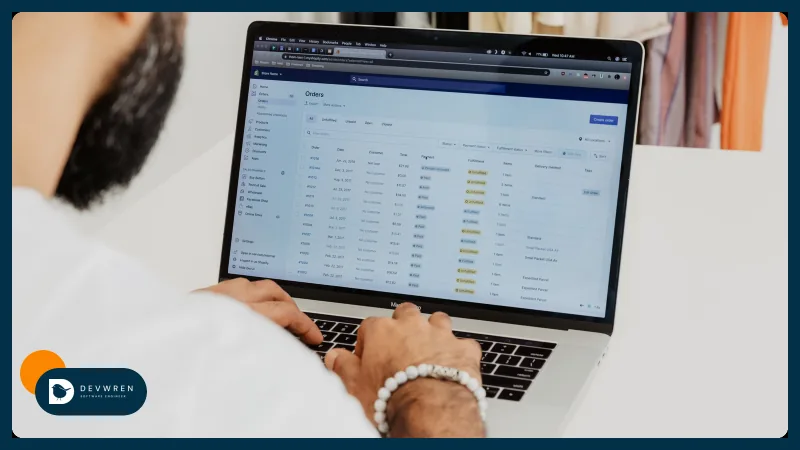
Most small businesses lose hours every week to the same back-office jobs: sorting the inbox, keying invoices into the accounts, answering "where is my order", copying enquiries into a spreadsheet, pulling numbers together for a Monday report. AI automation for small business promises to take those jobs off your hands. Some of it delivers; a lot of it is a chatbot bolted onto a problem a simple rule would have solved.
This guide is for owners and managers of small businesses, including online stores, who want to know which jobs are worth handing to AI, which tools fit, how to keep a person in control, and what happens to your data.
I build AI agents for businesses, and AI features into products of my own. Adoption is still early: in May 2026 the US Census Bureau found that 19.8% of US businesses used AI in any business function, and fewer than 20% of firms with four or fewer employees. If you have not started, you are not behind.
Where AI actually helps: messy input in, structured data out
Most back-office automation does not need AI at all. "When an order is paid, add a row to the sheet" is a rule, and rules are cheap, fast and predictable.
AI earns its place when the input is messy and a person currently has to read it:
- an email that might be a complaint, an order question, a supplier invoice or spam;
- a PDF invoice in a layout you have never seen;
- an enquiry written as three rambling paragraphs;
- a week of sales and support data that someone has to turn into a short summary.
The useful pattern: the AI reads the messy thing and turns it into structured data, such as a category, a set of fields, a draft reply or a summary. Then ordinary code or a no-code workflow does the rest, with rules you can check. Keep arithmetic, totals and anything legally binding out of the model.
Back-office jobs worth automating with AI
| Job | What AI does | What stays rule-based or human |
|---|---|---|
| Email triage | Reads each message, labels it, drafts a reply | Routing rules; a person sends anything sensitive |
| Invoices and receipts | Extracts supplier, date, line items, totals | Matching to purchase orders; approval before payment |
| Order questions | Understands the question, looks up the order, drafts the answer | Refunds and exceptions go to a person |
| Weekly reports | Writes the summary and flags anything unusual | The numbers come from code, not from the model |
| Lead intake | Pulls name, need, budget and timing from free text | Adding to your CRM; who follows up |
Email triage is often the best first project, because everyone has the problem and the risk is low while the AI only labels and drafts.
Invoices save real time, but the extraction must be checked against the original until you trust it, and payment should always need a person.
Order questions are the classic online store job, and the same agent can sit behind your inbox or your website chat.
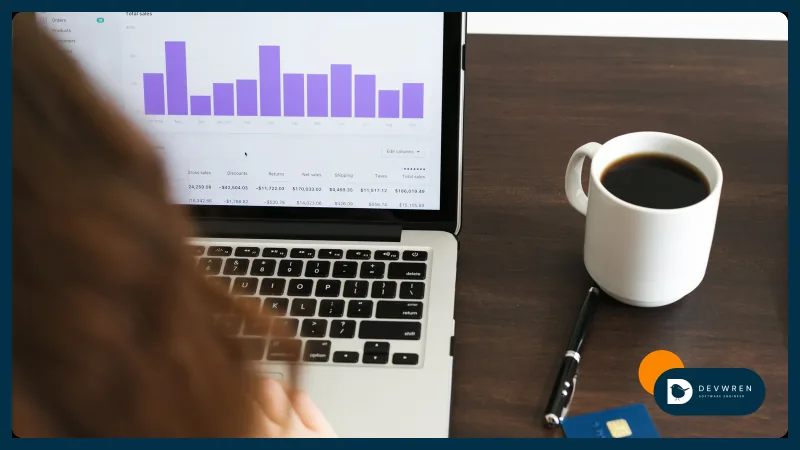
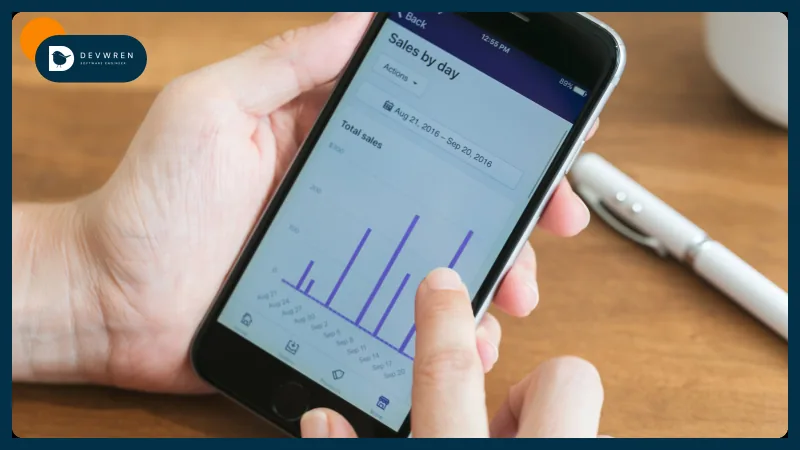
Reports are where models are most tempting and most dangerous. Let code calculate the figures and let the model describe them. A model asked to add up a column will sometimes get it wrong with complete confidence.
AI automation for small business: a no-code AI step or a custom agent
You have two broad routes.
An AI step inside a no-code tool. Zapier, Make and n8n can all call a language model in the middle of a workflow. This is the right start for most small businesses: you keep the tools you know and add one step that reads, classifies or drafts.
Watch the billing. Zapier's AI by Zapier pricing, updated on 1 October 2026, multiplies tasks by model tier: 1x for Standard, 3x for Advanced and 5x for Premium, and each tool the AI uses counts again. New steps on paid plans default to Premium, so a busy workflow can use your task allowance quickly. n8n bills per workflow run instead, and its AI Agent node can pause for human review before a tool runs, with approval through Slack, Gmail, Telegram, WhatsApp or Microsoft Teams. I compare the three platforms' pricing in Zapier vs Make vs n8n.
A custom agent. Code written for your business, calling the model directly and connected to your own systems. It makes sense when:
- volume is high enough that per-task pricing hurts;
- the workflow needs your own database or an API no-code tools do not support;
- you need a proper audit log of every action and approval;
- the logic has too many branches to maintain in a visual editor;
- you want exact control over what data leaves your systems.
The honest rule: start with no-code if the job fits, and move to custom code when the no-code version becomes fragile or expensive. Neither choice is permanent.
Keep a person in the loop
AI makes mistakes, and in the back office a mistake can mean a wrong payment or a rude reply to a good customer. Design for that from the start.
- Reads before writes. Let the automation look things up long before it is allowed to change anything.
- Drafts before sends. Replies, invoices and records start as drafts a person approves with one click.
- Thresholds. Auto-approve the routine, and send anything above an amount, outside a category or with low confidence to a person.
- An audit log. Record what came in, what the AI decided, who approved it and what was done.
- An off switch. One setting that stops all automated actions while you investigate.
I designed Clearday this way: its assistant waits for the user's approval before touching their calendar. A back-office agent should treat your money and your customers with the same care.
Data privacy: what goes to the AI provider
When an automation sends an email or invoice to a model, that text leaves your systems. Know where it goes.
- OpenAI. Its platform documentation says data sent to the API is not used to train its models unless you opt in, and that abuse-monitoring logs are kept for up to 30 days by default.
- Anthropic. Its privacy centre says inputs and outputs from its commercial products, including the API, are not used for training by default.
- No-code tools add a hop. Your data passes through Zapier, Make or n8n Cloud as well as the model provider, so read both sets of terms. Self-hosted n8n keeps the workflow on your own server.
Consumer chat apps are a different matter, with different settings, so do not paste customer data into a personal account and call it automation.
Three habits help whichever provider you use: send only the fields the job needs, strip card numbers and passwords before anything reaches a model, and make sure your privacy notice covers the services you use.
What drives the cost
There is no single price for AI automation, but the drivers are predictable:
- Volume. Runs per day, multiplied by steps and model calls per run.
- Model choice. A small, cheap model is fine for sorting emails; drafting customer replies may need a stronger one.
- How messy the input is. Clean web forms are easy; scanned invoices in twenty layouts are not.
- Systems to connect. Each inbox, accounting tool, store or CRM adds work.
- Approvals and monitoring. An approval queue and an audit log take time to build, and they make the automation safe.
On the tool side, in October 2026 Zapier's Pro plan started at $19.99 a month billed annually for 750 tasks, and n8n Cloud's Starter plan at €20 a month billed annually for 2,500 executions. A custom agent is quoted from a brief; my guide to AI agent development cost explains what moves that number. If the workflow belongs to an online store, such as order exports or a weekly sales report, that is the kind of single automation my marketplace MVP plan covers, from $2,500 on the pricing page, and the e-commerce automation page shows similar work. All are starting prices, with a fixed quote after a short brief.
How to start with one workflow
- Pick one job. High volume, clearly defined, low risk if a draft is wrong. AI automation for small business works best when it starts this narrow: email triage or lead intake are good candidates.
- Measure it now. How many a week, how long each takes, how often something goes wrong. Without a baseline you cannot tell whether the automation helped.
- Write down the rules and exceptions. What counts as urgent, who handles what, what must never be automated.
- Run it in draft mode. The AI labels and drafts, a person does everything else, and you compare its suggestions with what the person actually did.
- Turn on actions one at a time, with approvals, once the drafts are reliably right.
- Review weekly. Read a sample of what it did, fix the instructions, then pick the next job.
FAQ
Will an AI provider train its models on my business emails and invoices?
Not by default on the business API offerings of the major providers. OpenAI's platform documentation says API data is not used for training unless you opt in, and Anthropic says the same for its commercial products, including the API. Both keep some data for a limited period, such as OpenAI's abuse-monitoring logs of up to 30 days. Consumer chat apps have different settings, so business automation should use the API or a business plan.
Can I add AI to Zapier or n8n instead of building a custom agent?
Yes, and for most small businesses starting out, an AI step inside Zapier, Make or n8n is enough. It suits one job at modest volume, such as labelling emails or extracting lead details. A custom agent becomes worth it when volume makes per-task pricing expensive, when the workflow needs your own database or an unsupported API, or when you need a full audit log and approval flow that a visual editor makes hard to maintain.
How do I know if an AI automation is worth the cost?
Measure the job before you automate it: how many items a week, how many minutes each, and how often mistakes happen. After launch, compare the same figures, plus the time people spend checking the AI's drafts and the monthly tool and model bills. If the checking time stays high or errors rise, fix the instructions or narrow the job before adding anything new.
If you want help with a first workflow, send me a short brief: the job you want automated, the tools involved (inbox, accounting, store, CRM), roughly how many items a week, and what must always stay with a person. You can send it through the contact page, read about the AI agents I build for businesses, or see how I approach customer-facing agents in AI agents for business.